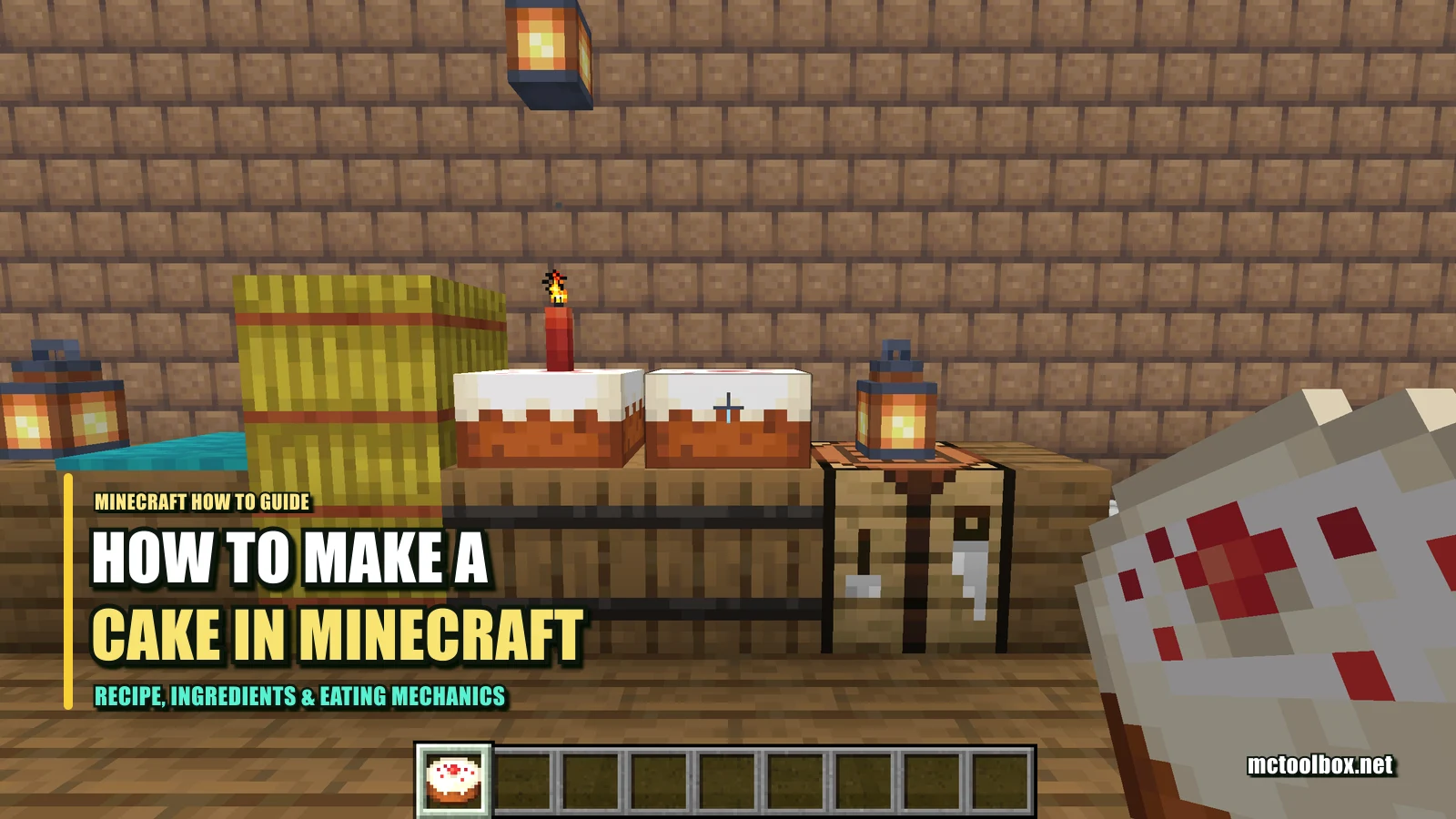
Unlike every other edible item in Minecraft that you consume straight from your hotbar, a Cake functions as an interactive food block placed directly onto a surface. Assembling one requires 3 Milk Buckets, 2 Sugar, 1 Egg, and 3 Wheat on a crafting table, providing up to 7 individual slices that heal hunger instantly without any chewing animation delay.
Unlike standard consumable foods like steak or bread that require an eating animation, eating a slice of placed cake happens instantly upon right-clicking. This makes cake an outstanding emergency healing station during base raids, as well as a centerpiece for multiplayer celebrations and birthday parties.
Materials and ingredients checklist
Before assembling your cake, gather the following ingredients in your inventory:
- 3 Milk Buckets: Obtained by right-clicking adult cows or mooshrooms with empty iron buckets. Crafting the cake empties the buckets and returns all three empty iron buckets to your inventory, preserving your iron.
- 2 Sugar: Crafted from Sugar Cane placed anywhere on a crafting grid, or dropped by defeated witches.
- 1 Egg: Naturally laid by adult chickens every 5 to 10 minutes, or gathered from an automatic chicken pen.
- 3 Wheat: Harvested from mature, golden-brown wheat crops grown on tilled farmland near water.
- 1 Crafting Table: Required to provide the full 3x3 grid needed for the recipe.
Gathering the dairy, sugar, egg, and grain supplies
Each of the four cake ingredients comes from a distinct homestead farming activity. Setting up basic animal pens and crops ensures you always have baking supplies ready.
How to get 3 Milk Buckets
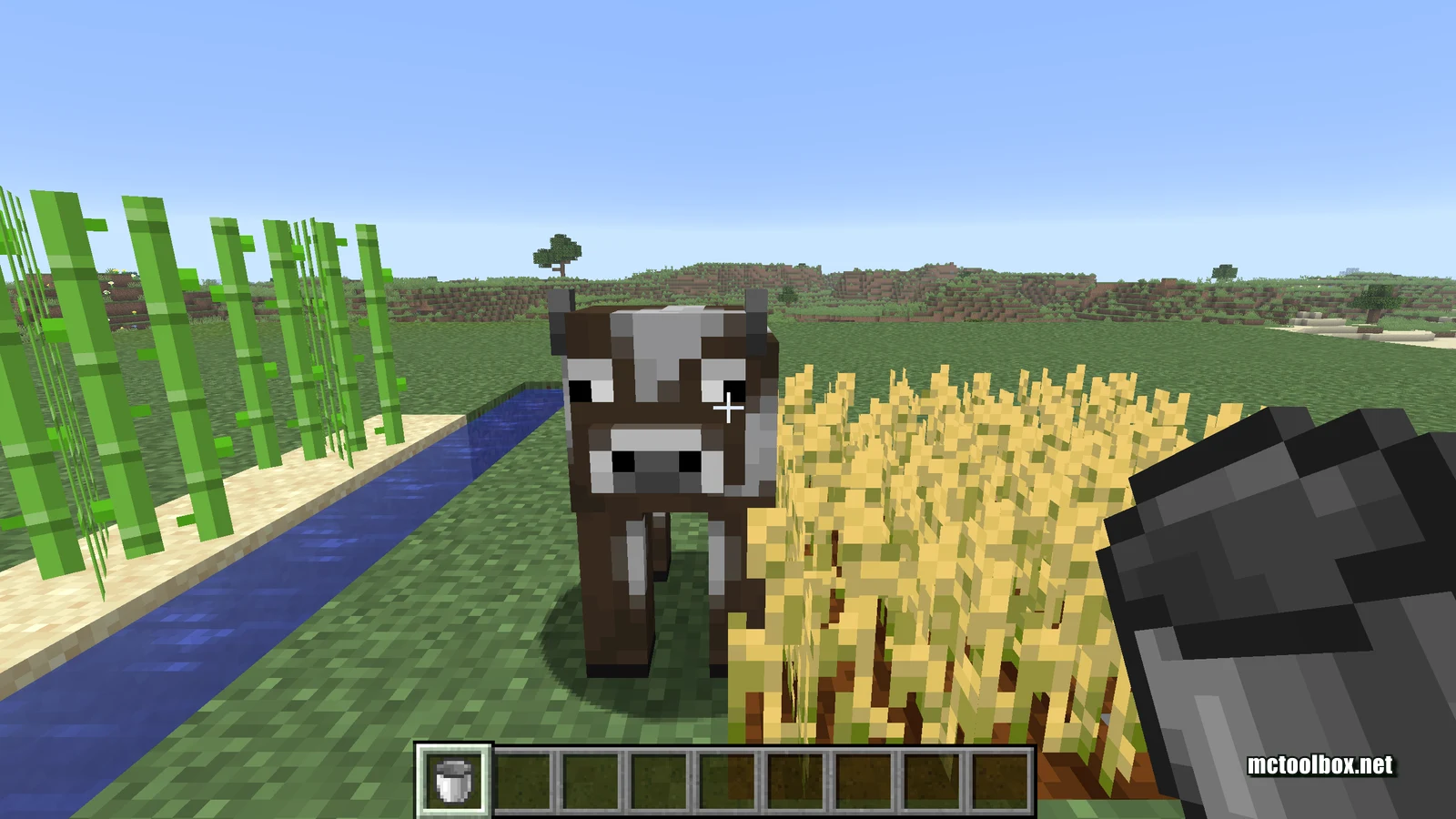
Craft three empty Buckets using 3 Iron Ingots each (9 iron ingots in total). Approach an adult Cow or Mooshroom with an empty bucket in your main hand and press the Use / Right-Click button. The bucket will fill with fresh milk. Repeat until you have three full Milk Buckets.
How to get Sugar
Look for green Sugar Cane reeds growing along water shorelines in plains, swamps, deserts, or rivers. Break the stalks and place them into any crafting window: 1 Sugar Cane yields 1 Sugar. You need 2 sugar for a single cake.
How to get an Egg
Chickens roam wild across grassy biomes and drop an egg every 5 to 10 minutes. Hold seeds in your hand to lure two chickens into a fenced pen. Pick up a freshly laid egg off the ground, or build an automated hopper collection box beneath your flock.
How to harvest Wheat
Till dirt near water with a hoe, plant wheat seeds obtained by breaking wild grass, and wait for the stalks to turn completely golden-amber (stage 8). Break mature crops to receive wheat and extra seeds. You can accelerate crop growth by applying Bone Meal.
Assembling the cake on the crafting grid
Open your Crafting Table to display the 3x3 crafting grid. Arrange the ingredients into exact horizontal layers:
- Top row: Place 3 Milk Buckets across slots 1, 2, and 3.
- Middle row: Place 1 Sugar in slot 4, 1 Egg in slot 5, and 1 Sugar in slot 6.
- Bottom row: Place 3 Wheat across slots 7, 8, and 9.
- Take the Cake: Shift-click or drag the finished Cake into your hotbar.
| Crafting Grid Row | Left Slot | Middle Slot | Right Slot |
|---|---|---|---|
| Top Row | Milk Bucket | Milk Bucket | Milk Bucket |
| Middle Row | Sugar | Egg | Sugar |
| Bottom Row | Wheat | Wheat | Wheat |


egg ∈ #minecraft:eggs
Open the full recipe and material calculatorWhen you take the finished cake from the output slot, all three milk buckets remain in the crafting grid as empty iron buckets. You can collect them immediately to reuse for farming, water transport, or baking additional cakes.
Serving and eating slices in-game
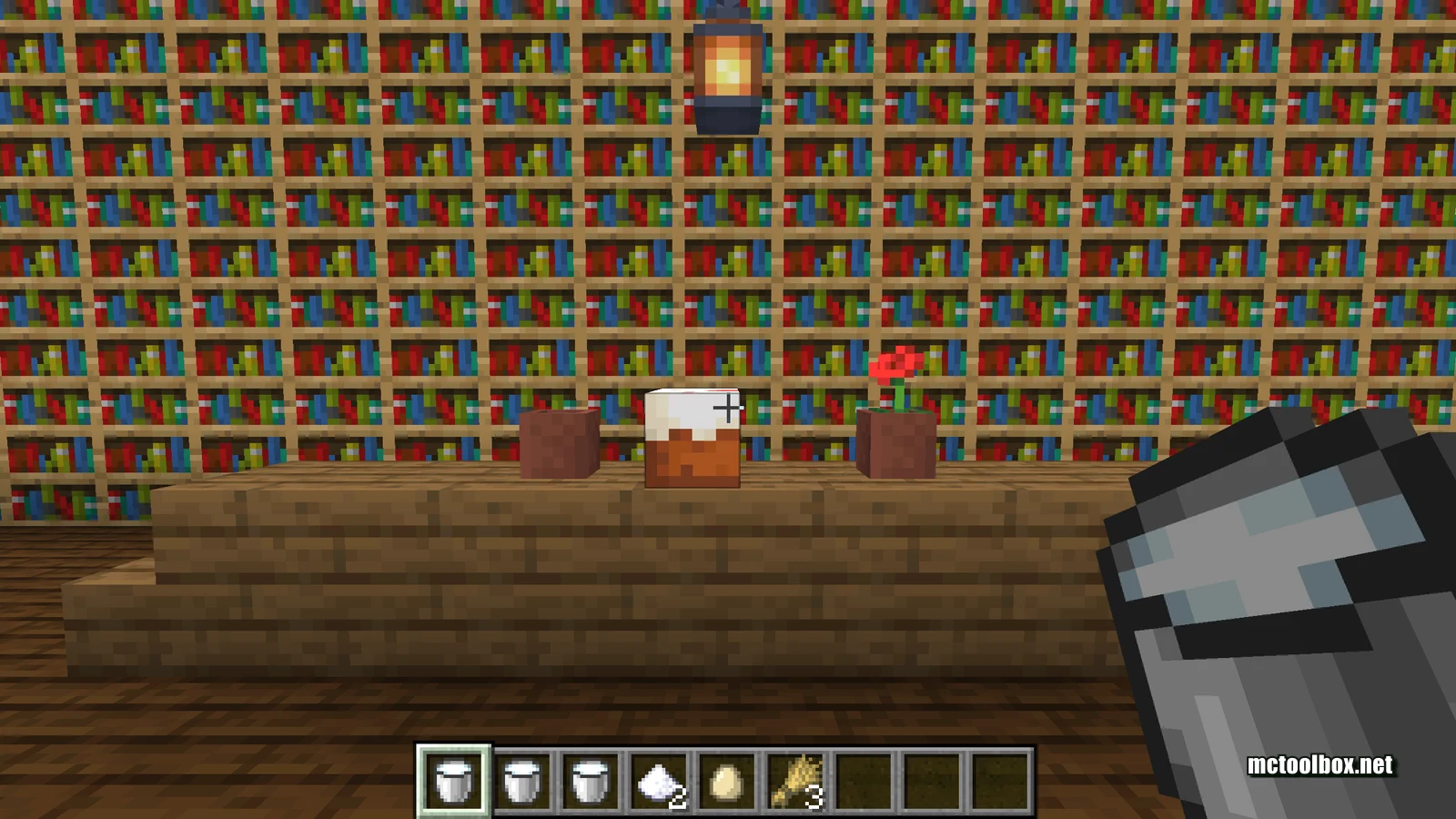
Unlike meat or vegetables, you cannot hold a cake and eat it directly from your hotbar. You must place it down into the game world.
- Select the Cake in your hotbar.
- Look at the top surface of any solid block (such as an oak table, countertop, or barrel).
- Press the Use / Right-Click button to place the cake block.
- With an empty hand or any item equipped, right-click the placed cake to take a bite.
Hunger and saturation restoration per bite
A complete cake contains exactly 7 bites (slices). Each bite restores hunger points and saturation value:
| Bite Number | Hunger Restored | Saturation Restored | Remaining Slices |
|---|---|---|---|
| Slice 1 | 2 points (1 drumstick) | 0.4 | 6 slices remaining |
| Slice 2 | 2 points (1 drumstick) | 0.4 | 5 slices remaining |
| Slice 3 | 2 points (1 drumstick) | 0.4 | 4 slices remaining |
| Slice 4 | 2 points (1 drumstick) | 0.4 | 3 slices remaining |
| Slice 5 | 2 points (1 drumstick) | 0.4 | 2 slices remaining |
| Slice 6 | 2 points (1 drumstick) | 0.4 | 1 slice remaining |
| Slice 7 | 2 points (1 drumstick) | 0.4 | Block consumed (disappears) |
| Total (Whole Cake) | 14 points (7 drumsticks) | 2.8 total saturation | 0 |
Instant consumption and multiplayer sharing
Two special properties make Cake invaluable in survival worlds:
- Zero eating delay: Normal food requires 1.6 seconds for most foods to chew and swallow. A placed cake has zero consumption time. You can click repeatedly to consume several slices in a fraction of a second, rapidly restoring hunger; health recovery still follows regeneration rules.
- Multiplayer sharing: Any player on your server can walk up and eat from the same cake block, making it ideal as a communal buffet in team spawn hubs.
Topping your cake with celebratory candles
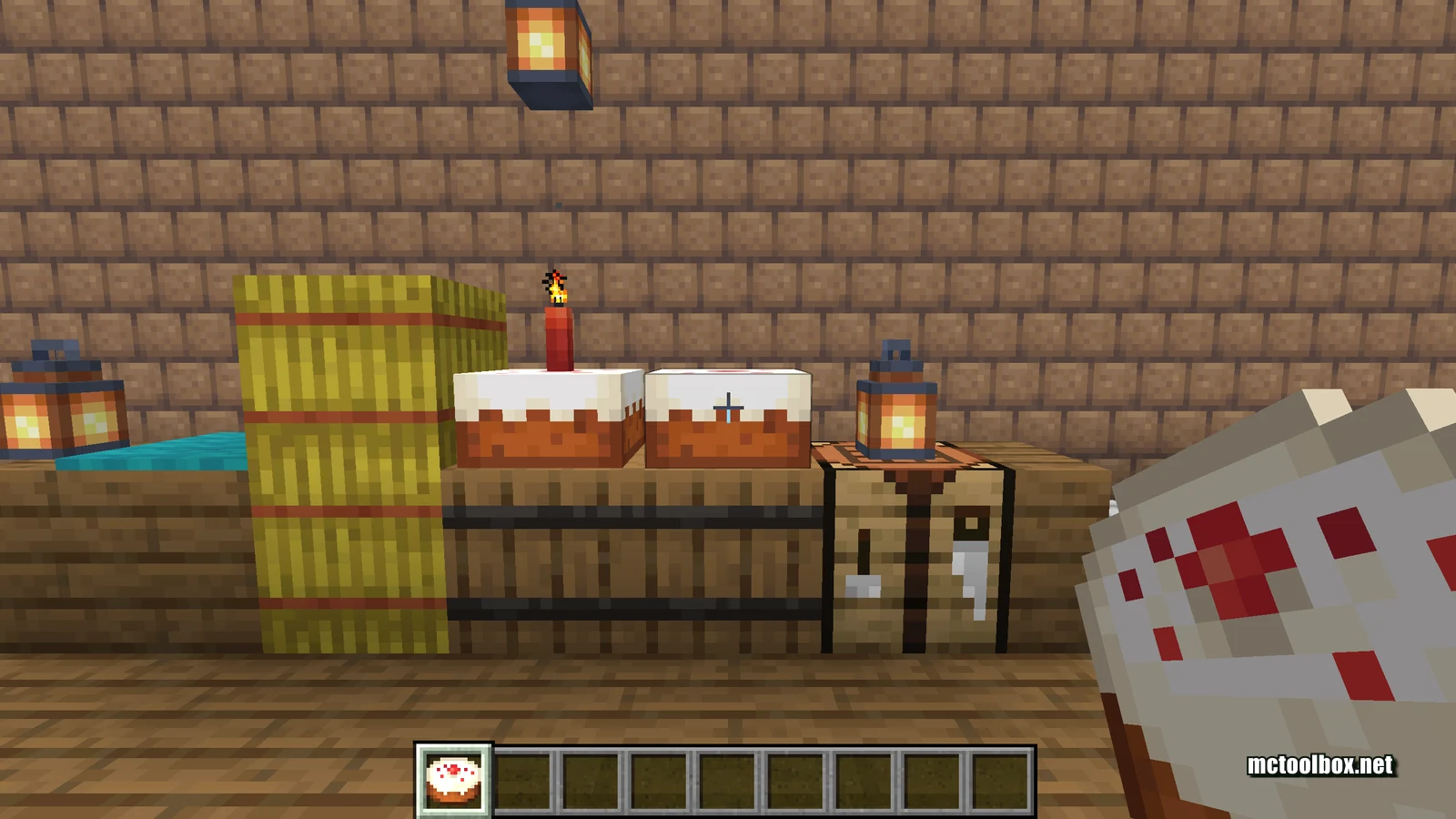
You can turn any full, uneaten cake into a celebratory Candle Cake. Minecraft allows any of the 16 colored candles (or plain uncolored candles) to be placed directly on top of a cake block.
Version requirement: Candle Cakes were introduced in Java Edition 1.17 and Bedrock Edition 1.17.10 (Caves & Cliffs Part I). In earlier versions, candles cannot be placed onto cakes.
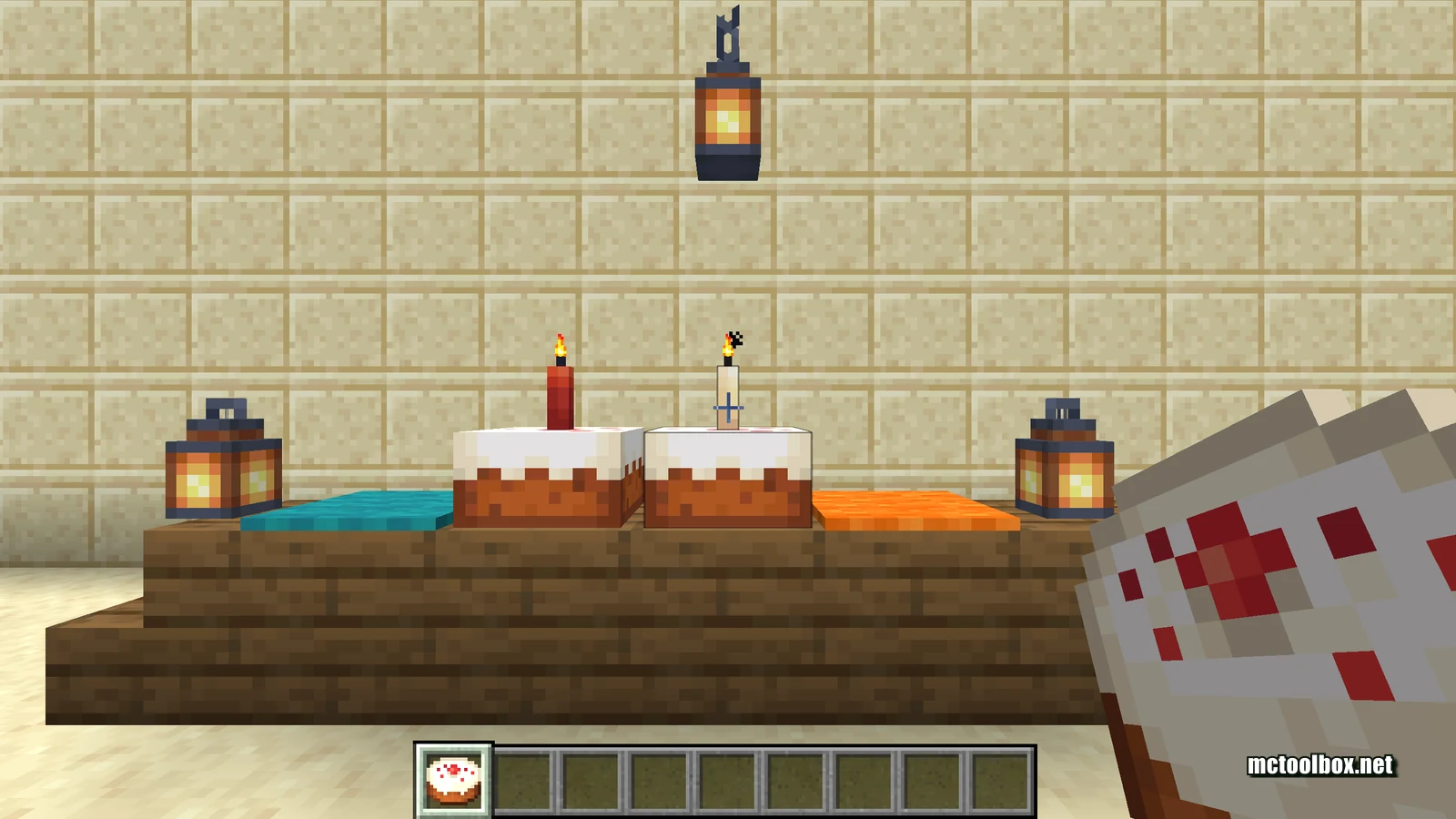
- Craft or obtain a Candle (crafted from 1 Honeycomb and 1 String).
- Place a whole, uneaten Cake on a flat surface.
- Hold the Candle in your main hand and right-click the cake to place the candle in the center.
- Equip Flint and Steel or a Fire Charge and right-click the candle to light its flame.
To blow out the candle flame, right-click it with an empty hand. When a player takes a bite of a candle cake, the candle safely pops off as a dropped item entity, allowing you to collect your candle without losing it.
Advanced mechanics, breaking rules & Redstone
Beyond basic baking and eating, placed cakes feature unique block physics and redstone properties:
The breaking rule: Cakes drop nothing
Once a cake is placed onto a block, breaking it with your fist or any tool immediately destroys it. It drops zero items and zero experience, even if you use a tool enchanted with Silk Touch. Always position your cake carefully, because you cannot pick it back up.
Redstone comparator signal strength
Placing a Redstone Comparator directly behind a cake block reads its remaining slice count and emits an analog redstone signal proportional to how much cake remains:
- Full cake (7 slices remaining): Emits signal strength 14.
- Each bite taken: Decreases the signal strength by exactly 2 levels.
- 1 slice remaining: Emits signal strength 2.
- 0 slices remaining (consumed): Signal drops to 0.
Redstone engineers frequently use cakes in secret base entrances and combination lock puzzles, requiring players to take specific numbers of bites to trigger hidden piston doors.
Java Edition vs Bedrock Edition differences
- Candle Cake drops: In both Java and Bedrock Editions, eating a candle cake slice drops the candle as an item. However, in Bedrock Edition, pistons pushing a candle cake drop the candle as an item entity, while in Java Edition water washes the cake away without dropping the cake block.
- Hitbox and collision: In Java Edition, cake has a bounding box height of 0.4375 blocks (7 pixels tall) and its bounding box dynamically shrinks horizontally by 2 pixels per slice eaten. Do not rely on cake as a barrier; mob movement depends on the surrounding blocks.
Cake item IDs and command reference
For builders, map creators, and administrators using console commands, refer to the following identifiers:
| Item or Block Name | Java Edition ID | Bedrock Edition ID | Key Property |
|---|---|---|---|
| Cake (Item / Block) | minecraft:cake | minecraft:cake | Java: stacks to 1; 7-slice block |
| Candle Cake (Uncolored) | minecraft:candle_cake | minecraft:candle_cake | Block with a candle attached (Java 1.17+; Bedrock 1.17.10+) |
| Milk Bucket | minecraft:milk_bucket | minecraft:milk_bucket | Clears status effects; stacks to 1 |
| Sugar | minecraft:sugar | minecraft:sugar | Brewing and baking ingredient; stacks to 64 |
| Wheat | minecraft:wheat | minecraft:wheat | Bred animal feed and baking crop; stacks to 64 |
| Egg | minecraft:egg | minecraft:egg | Throwable entity and ingredient; stacks to 16 |
To give yourself a cake immediately in creative mode, open chat and run: /give @p minecraft:cake 1. For more crafting blueprints and game recipes, explore our crafting recipes database, generate custom items with the MC Toolbox /give command generator, or locate nearby plains and villages with the interactive seed map.