Bedrock Edition · Resource Packs
X-Ray Works in Original Patch Everywhere: Bedrock Texture Pack Review and Guide
How the X-Ray Glow resource pack highlights ores, keeps achievements active, and balances server gameplay.
By RisabGamerz
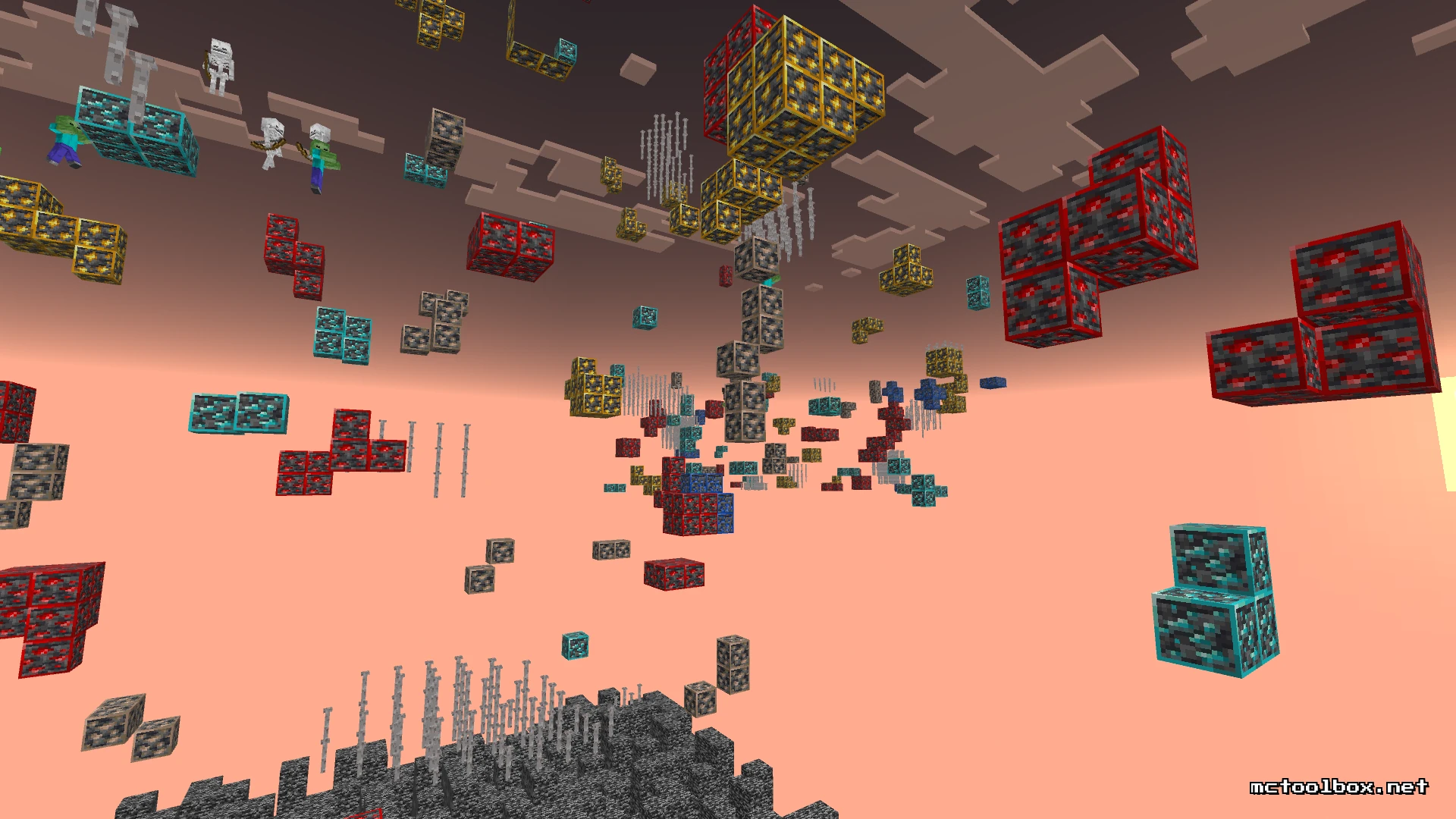
X-Ray Works in Original Patch Everywhere makes standard terrain invisible to reveal underground ores in Minecraft Bedrock without disabling achievements.
In this guide9 sections
Locating mineral deposits beneath mountainous biomes or deep within solid deepslate layers remains one of the most time-consuming activities in Minecraft Bedrock Edition. Players spend dozens of pickaxes and endless hours carving out horizontal strip mines just to locate a single pocket of diamonds. The X-Ray Works in Original Patch Everywhere texture pack (commonly labeled X-Ray Glow by creator RisabGamerz) tackles this hurdle by reconfiguring client block geometry. Rather than relying on external cheat clients or risky executable injectors, this pack operates entirely within the native resource pack pipeline, stripping away solid stone to leave raw mineral clusters exposed in full three-dimensional space.
The Architecture Behind Bedrock Block Transparency
Many players assume that seeing through walls in Minecraft requires custom shader injection or modified game code. In Minecraft Bedrock, the rendering engine determines how standard cubes draw their faces through a configuration file named blocks.json. The creator takes advantage of this built-in rendering hook by assigning the blockshape: "invisible" parameter to widespread, non-valuable filler blocks.
The pack applies invisible geometry to almost thirty standard terrain blocks, including:
- Deepslate and Tuff: The primary stone types occupying negative elevation layers where diamonds, redstone, and deep gold generate.
- Stone and Calcite: Surface and mid-level underground rock forming standard cavern walls and mountainous terrain.
- Netherrack, Basalt, and Blackstone: The dominant terrain of the Nether dimension, leaving Ancient Debris and Nether Quartz immediately visible.
- Dirt, Mud, and Clay: Surface filler blocks that would otherwise obstruct visibility looking down into shallow underground ravines.
- Gravel and Glow Lichen: Altered to unobtrusive shapes so floating gravel patches do not blind your view.
Because the game engine considers these definitions legitimate visual overrides, the game treats the pack as a standard cosmetic texture swap. Players can install, load, and use the pack without touching experimental toggles or sacrificing Xbox Gamer achievements.
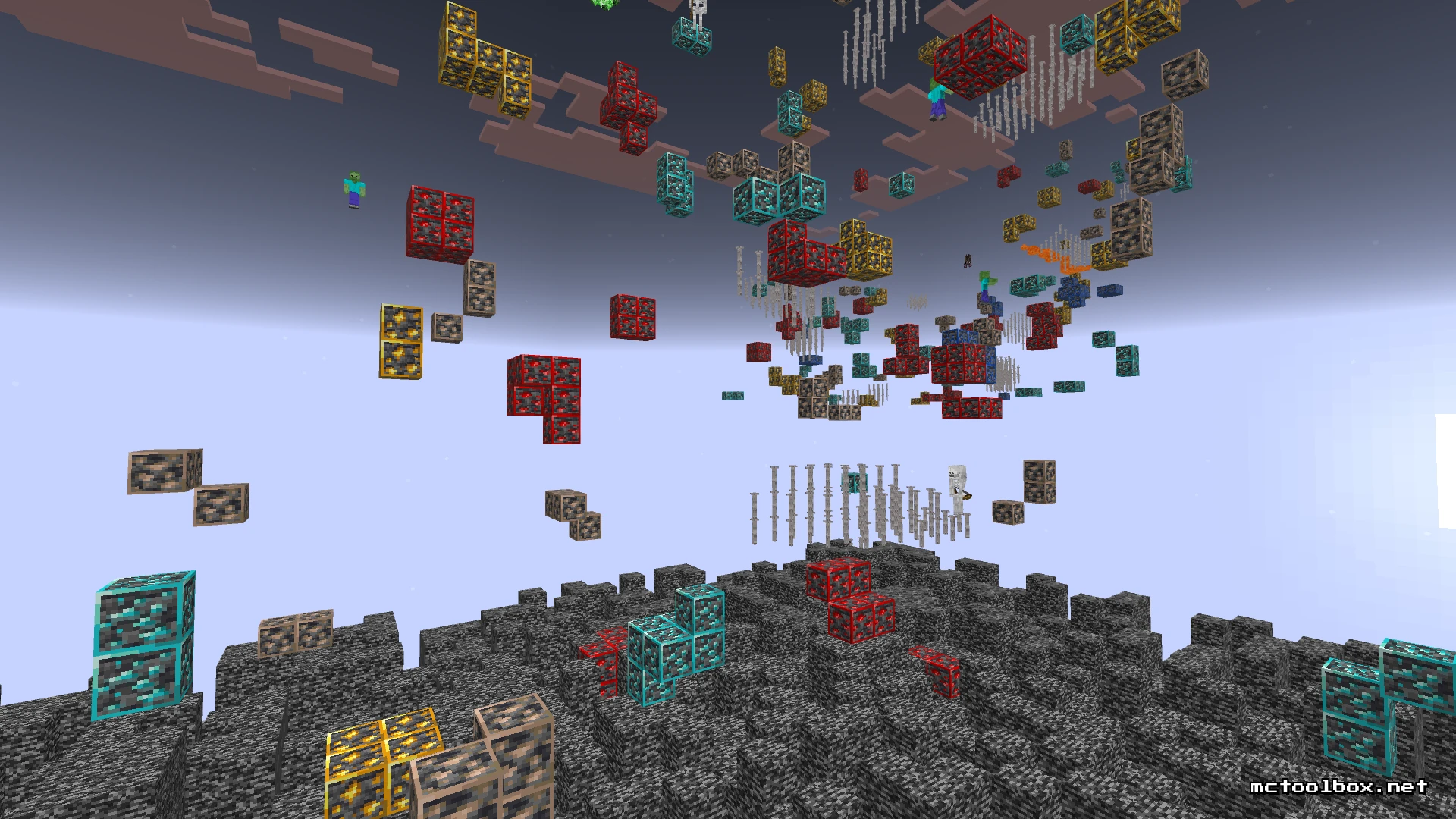
Outlines and Deferred Lighting Support
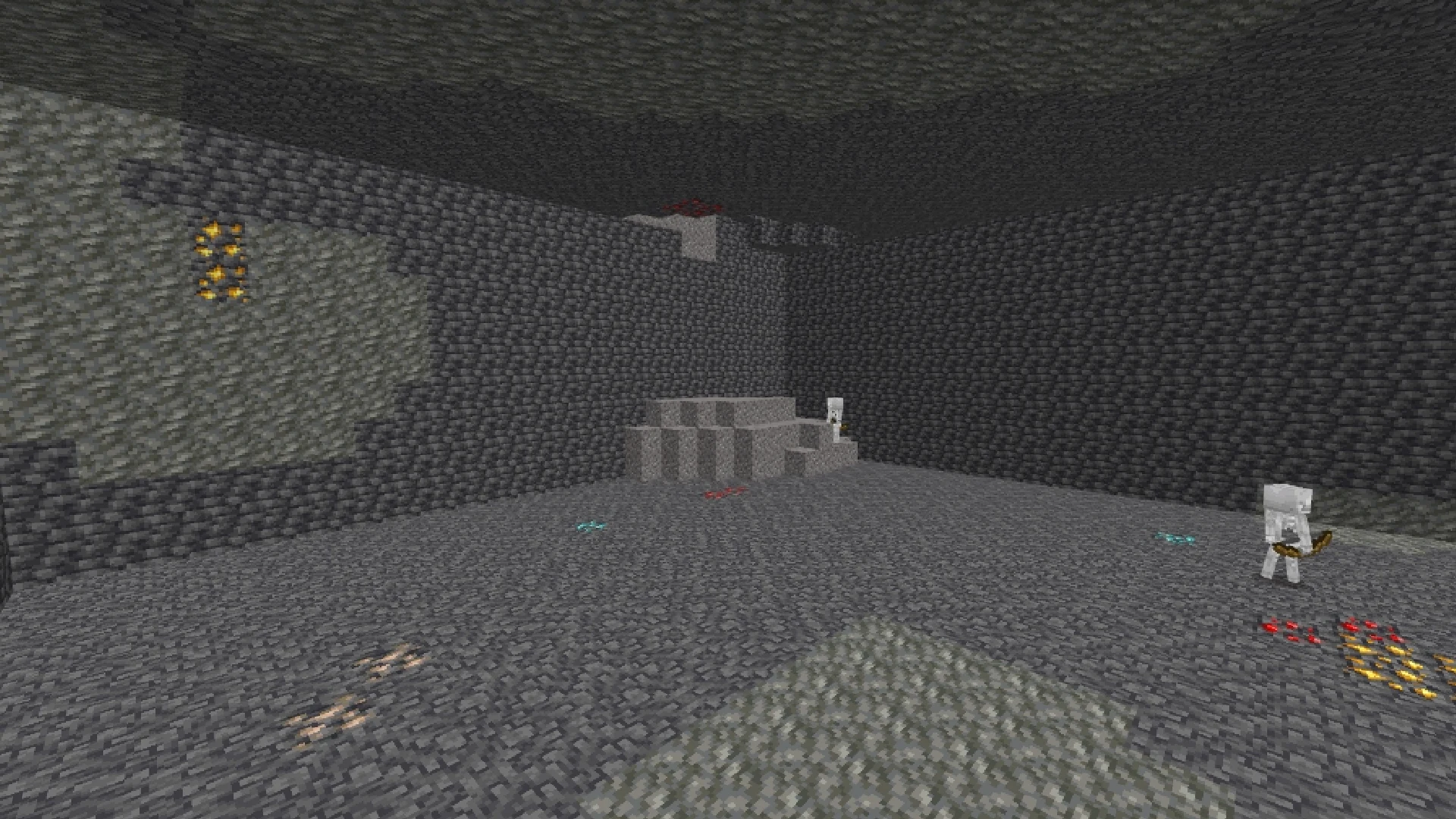
Earlier generations of Minecraft X-Ray texture packs had a major flaw: while stone disappeared, exposed ores retained their dark, muddy textures, blending into the pitch-black void of unlit caves. Spotting a single diamond block at distance required carrying stacks of night vision potions or constantly placing torches along the ceiling.
X-Ray Glow solves this visibility problem through bright, colored borders surrounding every valuable block. Diamonds feature distinct cyan border trim, gold veins shine in vibrant yellow, redstone pulses in bold crimson, and iron displays warm tan edges. Even from sixty blocks away, the geometric outlines make identifying ore types instantaneous.
In addition, the pack incorporates modern Bedrock Deferred Technical Preview (Vibrant Visuals) support. Each ore texture includes accompanying metallic, roughness, and emissive data (.texture_set.json). When running Bedrock with Deferred lighting active, ore borders emit localized surface light, making veins stand out against distant backdrops without depending on external fullbright hacks.
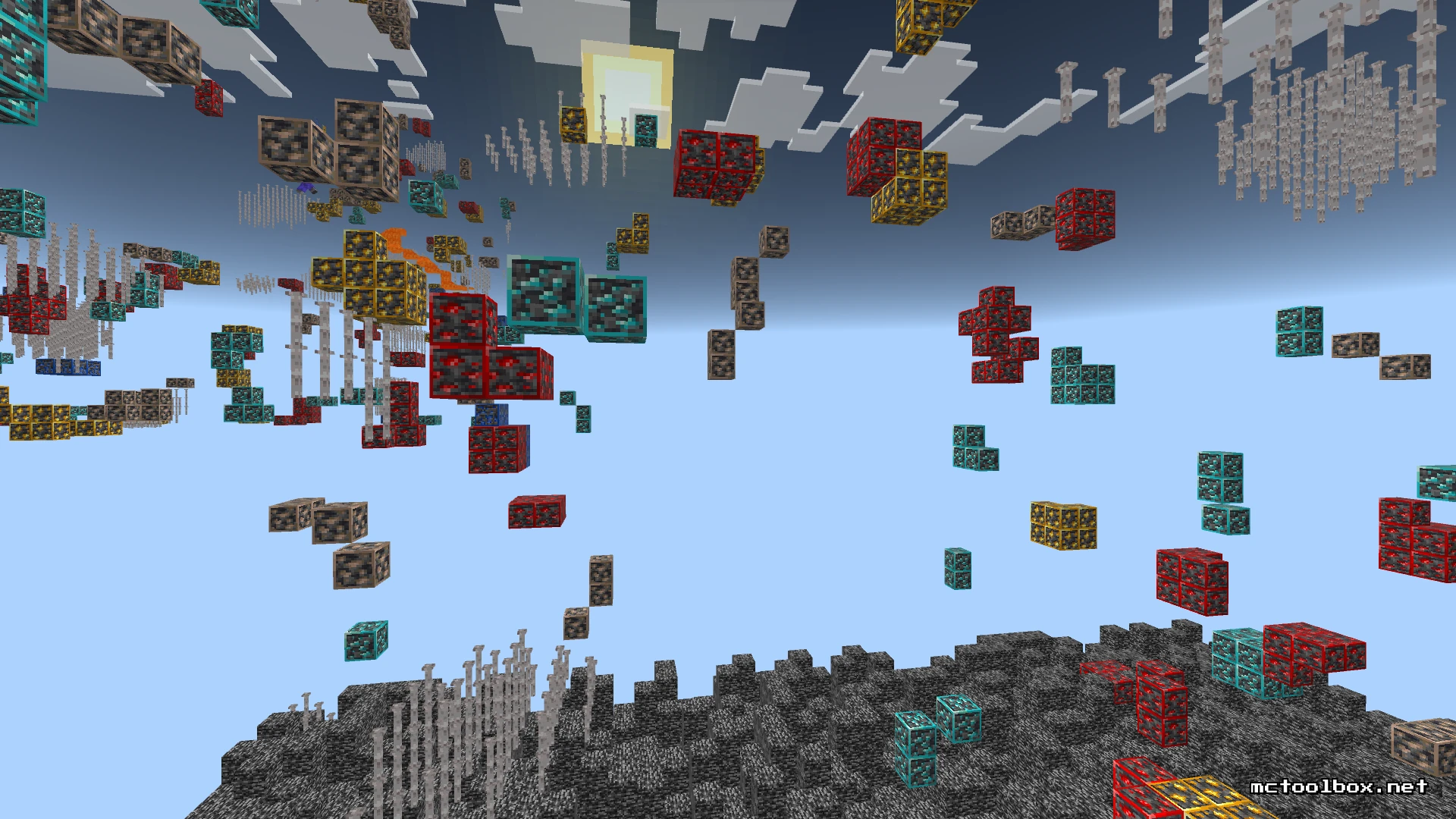
Scouting Ores in the Overworld and the Nether
The practical utility of X-Ray Glow extends across all primary mining workflows in survival mode:
- Targeting Negative Deepslate for Diamonds: Between Y = -50 and Y = -58, diamonds form dense clusters. Because vanilla world generation reduces diamond air exposure inside open caverns, massive veins often sit completely buried behind five to ten solid deepslate blocks. With X-Ray Glow, you can map out exact coordinates of these buried veins and tunnel straight to them with minimal tool durability cost.
- Ancient Debris Hunting in the Nether: Finding Ancient Debris between Y = 8 and Y = 22 normally requires costly TNT or bed mining. Because netherrack and basalt turn invisible, Ancient Debris blocks float in plain sight. You can identify single debris pockets and multi-block clusters from dozens of blocks away, bypassing dangerous lava pockets.
- Uncovering Dungeons, Mineshafts, and Mob Spawners: Non-terrain objects like monster spawners, minecart chests, chains, and iron bars remain visible. You can locate underground structures and trial chambers effortlessly from the surface.
Required Video Settings for Clear Visibility
To get clean results from X-Ray Glow, you must configure two specific video options in Minecraft Bedrock. If left at default settings, the game engine will calculate ambient occlusion for invisible blocks, casting pitch-black shadow artifacts over floating minerals.
- 1
Turn Off Smooth Lighting
Navigate to
Settings>Videoand toggle Smooth Lighting to OFF. This stops the rendering pipeline from computing soft shadows between transparent block borders. - 2
Max Out In-Game Brightness
Set the Brightness slider to 100 percent. This raises ambient light across unlit underground spaces so ore faces remain readable at distance.
- 3
Activate the Pack from the Main Menu
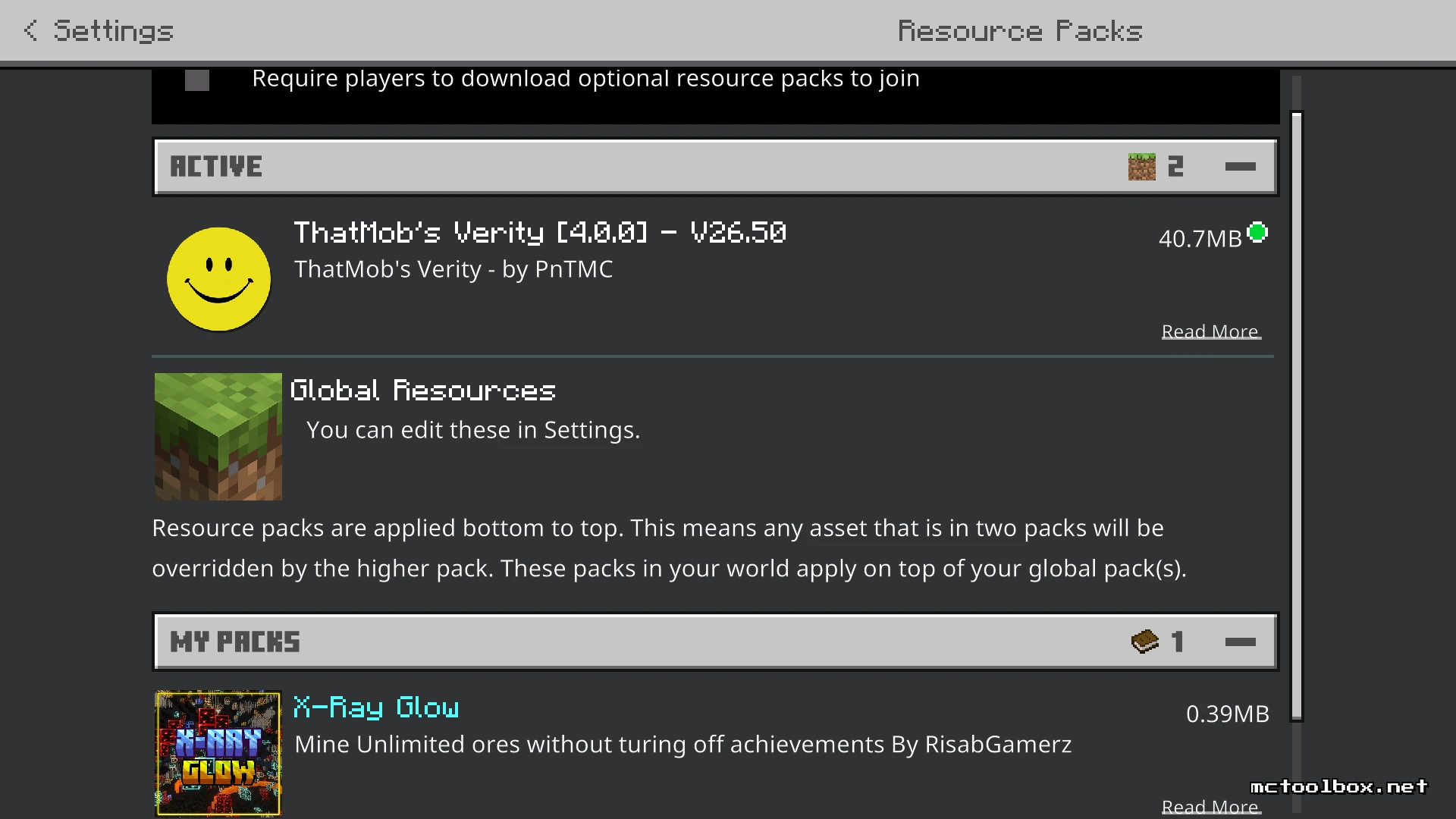
In the world selection screen, click the pencil icon next to your world, select Resource Packs, and click Activate on X-Ray Glow under My Packs.
Flying through transparent terrain gives players an entirely new perspective on vanilla Minecraft world generation. Veins that would usually require digging thousands of deepslate blocks become immediately accessible target coordinates. In the footage below, notice how multiple ore tiers, subterranean mob spawners, and iron bar structures float across distinct elevation layers.
Multiplayer Servers, Anti-Cheat, and Fair Play
Because X-Ray Works in Original Patch Everywhere operates as a client-side resource pack, the Bedrock client allows you to apply it globally across single-player worlds, private local sessions, and multiplayer servers. However, using X-Ray on public servers carries significant risk.
Modern Minecraft multiplayer servers and popular public networks run server-side anticheat engines equipped with ore obfuscation (such as Paper Engine Mode 1 and Mode 2). When obfuscation is active, the server sends dummy packets that scramble or conceal hidden block coordinates until the player physically breaks an adjacent block. If you look into the ground on a protected server, you will see a chaotic grid of fake ores or empty air where minerals should be.
More importantly, virtually every public survival realm and competitive server considers X-Ray texture packs an explicit violation of fair play rules. Server administrators actively monitor player mining patterns, tracking straight-line tunneling directly toward diamond deposits. Using this pack in regulated multiplayer environments can result in immediate, permanent bans. Reserve X-Ray Glow for private survival worlds, building projects, testing sessions, or realms where all participants agree to its use.
Final Assessment
X-Ray Works in Original Patch Everywhere is one of the most reliable utility resource packs available for Minecraft Bedrock Edition. Its clean blocks.json implementation ensures complete block invisibility without crashing the client or disabling world achievements. Combined with high-contrast colored borders and Deferred lighting compatibility, it provides players with an effortless tool for surveying underground mineral distribution and streamlining resource collection.
Requirements
Minecraft Bedrock Edition for Windows, Android, iOS, or consoles. Smooth Lighting turned off and in-game brightness set to maximum for optimal underground visibility.
Official download
Check the creator's supported Bedrock versions, devices and installation instructions. Some projects need experiments or additional setup. Back up your world before installing.
Open official downloadFiles are hosted by the creator, not MC Toolbox.
Common questions
Does activating this X-Ray pack disable Xbox achievements on Bedrock?
No. Because X-Ray Glow is packaged purely as a client-side Resource Pack overriding blocks.json rather than a behavior pack or command script, Minecraft Bedrock treats it as a cosmetic visual change and leaves world achievements fully active.
Why do underground ores look dark or shadowed when X-Ray is turned on?
Invisible blocks continue to cast ambient occlusion shadows if Smooth Lighting is enabled. Turning Smooth Lighting off in Video settings and raising in-game Brightness to 100 percent restores clear visibility.
Is this X-Ray pack allowed on public multiplayer servers or Realms?
While the pack functions client-side on servers, most public survival servers and competitive communities strictly prohibit X-Ray packs. Servers running packet-level ore obfuscation plugins will scramble visible blocks, and using it where forbidden risks permanent account bans.
Why are custom addon blocks or modded ores not transparent?
The pack defines its invisible block shapes specifically for vanilla blocks like stone, deepslate, tuff, dirt, basalt, and netherrack. Custom blocks introduced by third-party add-ons use custom identifiers that are not included in the default texture definitions.