





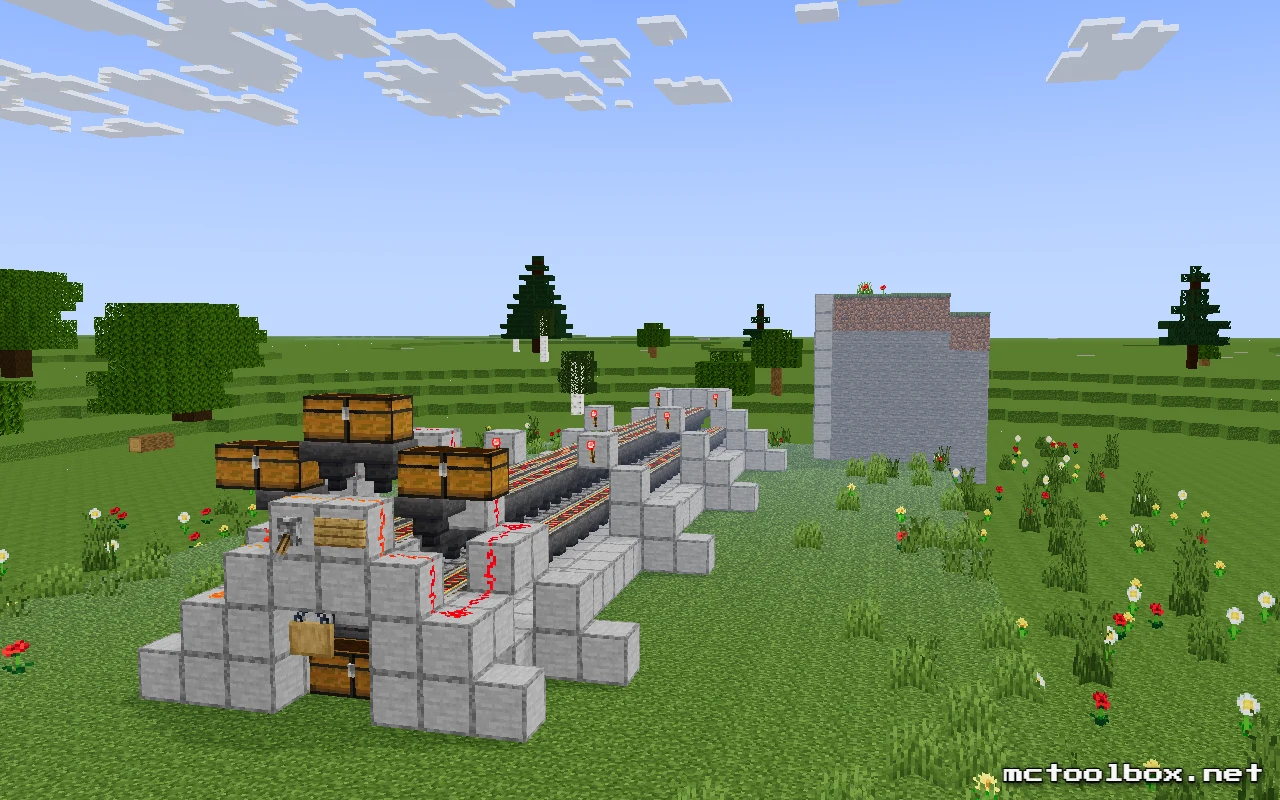
 redstone
Stone Brick Multi-Furnace Smelter Array
Minecraft 26.2, 26.3 · 42×10×13 · .litematic
49 views · 16 downloads MCTOOLBOX
 /give Generator
 /enchant Command Generator
 /summon Generator
 Display Entity Generator
 Target Selector Generator
 /waypoint Generator
 /teleport Generator
 /damage Generator
 /rotate Generator
 Gamerule Command Generator
 Tick Command Generator
 Bossbar Generator
 Mob Spawner
 /effect Generator
 /posteffect Generator
 Potion Command Generator
 /gamemode Generator/execute Command BuilderJava to Bedrock Command ConverterMinecraft Kill Command Generator
 Minecraft Ride Command GeneratorMinecraft Attribute Command Generator
 /particle Generator
 /clone Generator
 /fill Generator/setblock Generator/scoreboard Generator
 /item Generator
 /playsound Generator
 /team Generator
 NBT to Components
 Minecraft Block Letter Generator
 Crafting Table
 Material CalculatorSchematic Converter
 Block PaletteBlock Gradient Generator
 Block Properties TablePotion Chart
 Stack Calculator
 Comparator Calculator
 Tag BrowserBiome SpawnsMIDI to Note BlocksMinecraft Note Block TunerSuperflat Preset Generator
 Composter Calculator
 Furnace Fuel Calculator
 Fishing Calculator
 Crop Growth Calculator
 Explosion Calculator
 Loot Odds
 XP CalculatorMob XP CalculatorMob Spawn Planner
 Spear Damage Calculator
 Melee Damage Calculator
 Villager TradesVillager Discount CalculatorEnchant Calculator
 Banner Creator
 Banner Letters and Numbers
 Custom Paintings
 Music Disc Maker
 Firework Designer
 HUD CustomizerArmor Stand Designer
 Manifest Generator
 Pack ConverterBedrock Pack DoctorPack MergerResource Pack StudioCustom Sky Maker
 GUI ColorizerMRPack to ZIPZIP to MRPack
 Achievement MakerDatapack StudioRecipe GeneratorLoot Table Generator
 Advancement Generator
 pack.mcmeta GeneratorFont JSON Generator
 Emoji Pack MakerBlock Model Generator
 Image to Pixel ArtPixel Art Editor
 Image to Map ArtMap Art Builder
 Map Art ExtractorRank Badge MakerMinecraft Logo MakerRandom Loot
 Mob Variant BuilderSeed MapSeed FinderEarth Map GeneratorMinecraft StructuresCoordinate CalculatorTime & WeatherCircle GeneratorSphere Generator
 3D Shape GeneratorSpiral Staircase
 Stair CalculatorRoof GeneratorArch GeneratorRedstone DelayStronghold Triangulator
 Ore Distribution
 Mining Speed CalculatorItem ID List
 Beacon Calculator
 Raid PlannerHorse BreedingSchematicsBrowse builds with 3D previews and downloadsPixel ArtBrowse pixel art patterns, blueprints and schematicsSkinsBrowse, 3D preview and download skinsBannersBrowse banner designs, copy commands and remix layers
 BedrockAdd-ons, packs and guides for Bedrock EditionModsMinecraft mod guides and reviewsModpacksGameplay guides, versions, RAM requirements and official downloads
 ShadersShader reviews, visuals and performanceResource PacksTexture pack reviews, in-game previews and downloads
Downloadable Minecraft builds
Browse downloadable Minecraft schematics for houses, bases, castles, farms, redstone builds and statues. Each build page lists its dimensions, block count and materials, with a rotatable 3D preview to inspect before downloading. Download the original file or use the format menu to convert it: .litematic for Litematica, .schem for WorldEdit, .nbt for Java Structure Blocks and .mcstructure for Bedrock. Check the listed Minecraft version before importing, as older versions may lack required blocks. Use the categories below to explore bases, castles, farms and DonutSMP builds.
redstoneMinecraft 26.2, 26.3 · 42×10×13 · .litematic
49 views · 16 downloads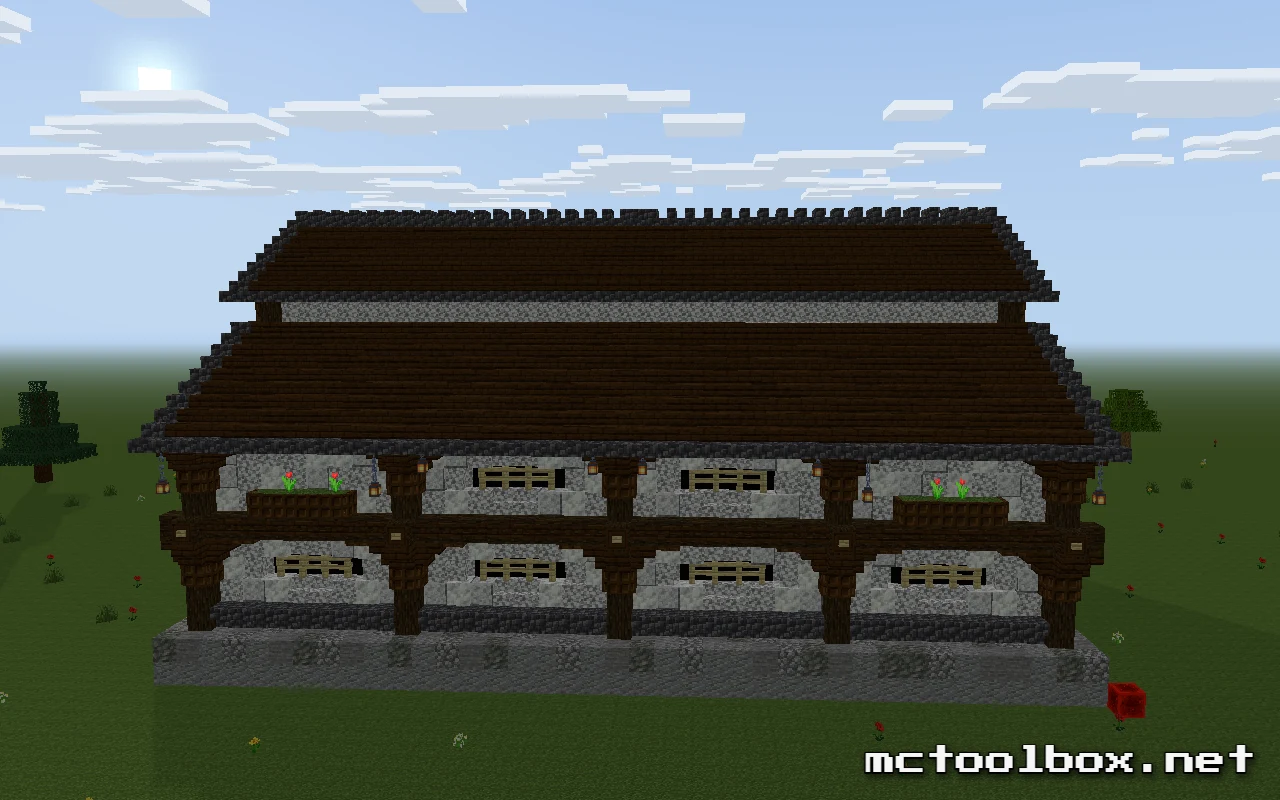 redstone
Minecraft 1.21.4 - 26.3 · 41×21×34 · .litematic
316 views · 70 downloads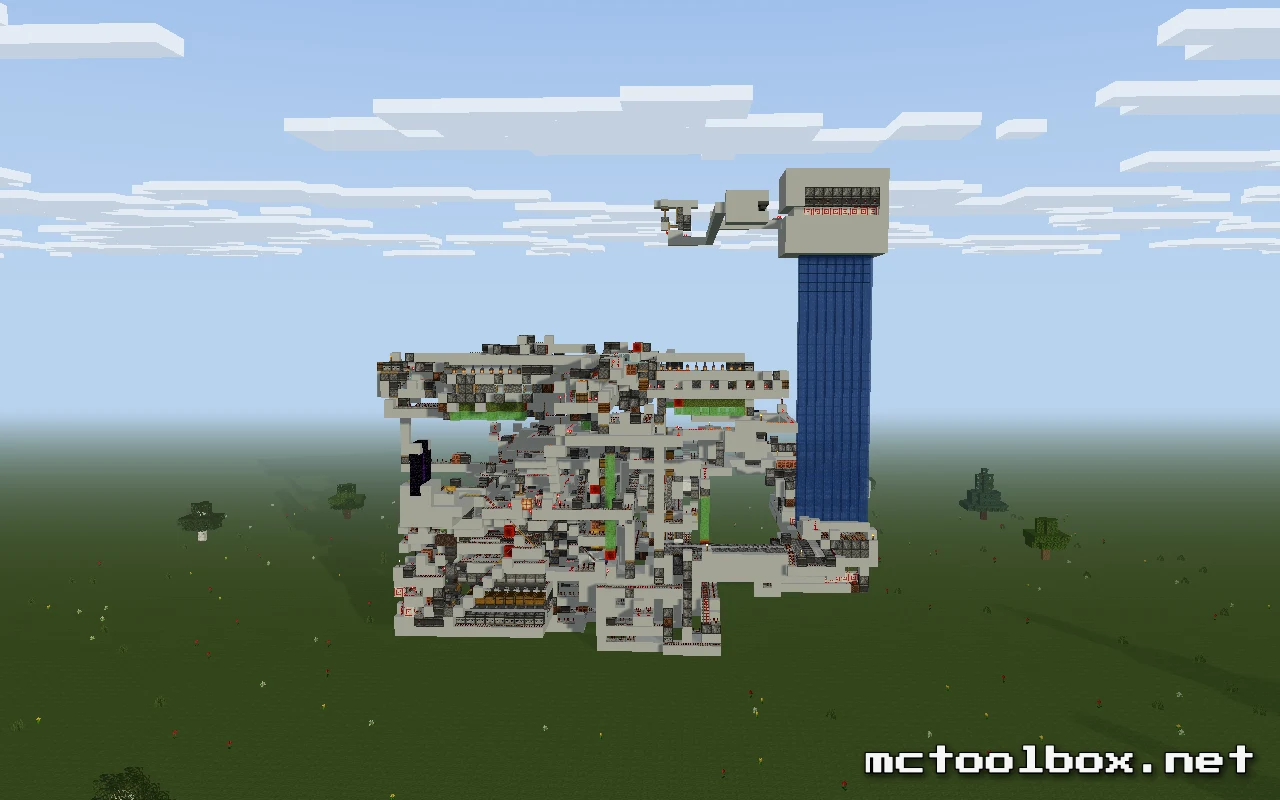 redstone
Minecraft 1.21.10+ · 58×68×47 · .litematic
254 views · 105 downloadsOpen a build to check its dimensions, Minecraft version, block count and materials. Use .litematic with Litematica, .schem with current WorldEdit tools, and .nbt with Java Structure Blocks.
The detail page loads the stored file into the browser viewer, so you can rotate the build and inspect its gallery without importing it into a world first.
Put the .litematic file in your .minecraft/schematics folder. In Minecraft with Litematica installed, press M to open its menu, choose Load Schematics and select your file.
Put the .schem file in the schematics folder for your WorldEdit installation. Run //schem load <name>, replacing <name> with the file name, then run //paste where you want to place the build. WorldEdit must be installed and you need permission to use its commands.
Check the Minecraft version listed on each build page. Use the same version or a compatible newer version; older versions may not contain the blocks the build needs. Choose a download format for your edition and importing tool.