
April 3, 2026
Minecraft JSON Text: Creating Interactive Chat Messages
Learn how to build clickable, hoverable, and professional chat messages with my visual JSON editor.
Hi guys! If you have ever played on a massive, professional server and seen those cool chat messages where you can click a button to teleport or hover your mouse to see a player's stats, you might have wondered how they do it. For a long time, I thought it was some kind of complicated plugin that only "real" developers could use. But then I discovered JSON text components. The problem is that JSON is incredibly unforgiving. If you miss one single curly bracket { or an extra comma , in a 200 character command, the whole thing just fails silently. I got so tired of debugging my /tellraw commands in a text editor that I decided to build the JSON Text Lab. I wanted a way to see what I was doing in real time, like a "What You See Is What You Get" editor for Minecraft chat.
Clickable Messages are a Game Changer
Standard text is boring. If you are a server admin or a map maker, you want to keep your players engaged. I love setting up messages like "Click here for the rules" or "Join our Discord by clicking this link". It makes the server feel so much more premium and interactive. With my tool, you don't have to touch any code. You just type your message, highlight the text, and choose an "Action". Whether you want it to open a URL, run a command, or even suggest a command for the player to type, it is all there in the UI. I have optimized the experience so you can build complex, multi-layered messages in seconds. No more Roman-era plain white text for us!
The Magic of Hover Events
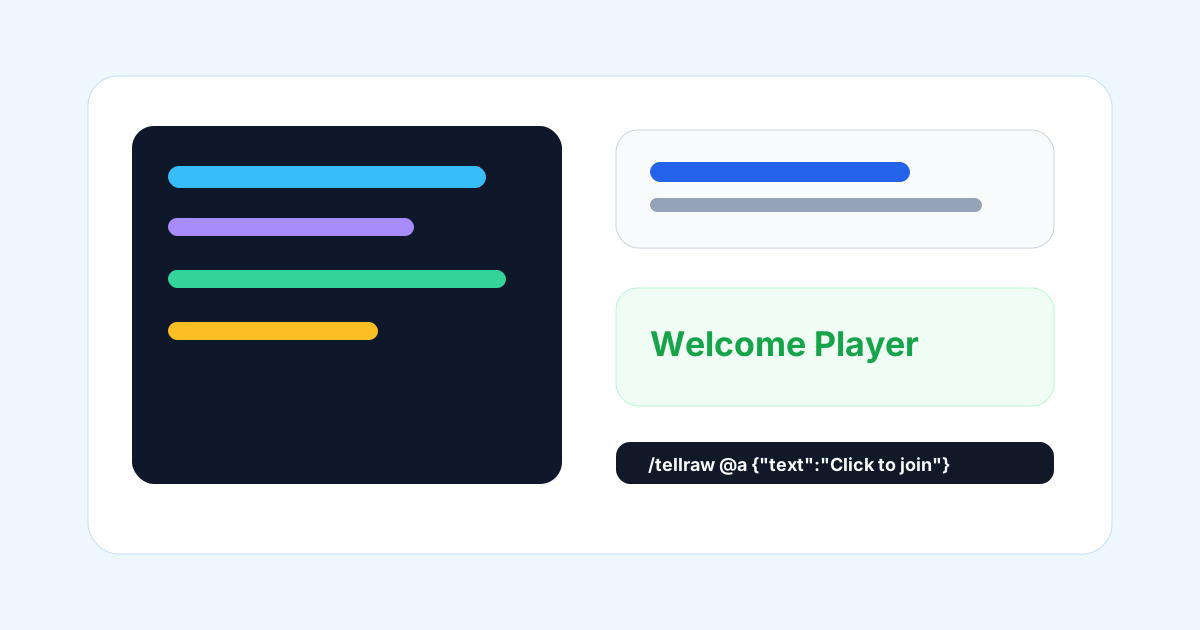
Hover events are another secret to high quality server UX. You can hide extra information like lore, stats, or instructions behind a simple hover. I use this all the time for custom items or tutorial signs. When a player hovers over a word like "[TUTORIAL]", a box pops up with detailed steps. It keeps the chat clean while still giving people the info they need. My JSON Lab lets you design these hover boxes visually, so you can see exactly how the colors and formatting will look in the game window. I also made sure to include support for the 1.16+ Hex colors, meaning you can use beautiful custom gradients instead of those same 16 colors we have had since the beginning. I added a picker that lets you choose any hex code, making your messages pop and stand out from the crowd.
From Tellraw to Signs and Books
One thing people often forget is that this JSON format works for more than just chat. You can use it for signs, custom books, and even item names or lore. I have updated the generator to support all these different output formats. If you want a signed book with clickable page navigation, you can design it here and just copy the /give command. I have spent a lot of time fine tuning the output to make sure it is 1.21 ready, especially with the newer component structures. My goal was to make the most powerful visual JSON editor on the web because I honestly couldn't find one that didn't feel broken or outdated. I use this tool myself every single week for my own projects, and I am always adding new features based on what we need as creators. Go ahead, make your chat sparkling and professional!

More Guides
Minecraft Effect Lab: Mastering Invisible Potions and Particles
Stop letting messy circles ruin your cinematic builds with my custom effect gene...
Minecraft 26.1 Tiny Takeover: New Features and Command Guide
Master the Golden Dandelion and everything new in the Tiny Takeover update with ...
Minecraft Enchant Guide: The Best Way to Max Your Gear
Avoid the "Too Expensive!" nightmare with my Mathematical Enchanting Lab for 1.2...
Minecraft World Navigation: Mastering Seeds and Portal Coordinates
Never get lost again with my guide to world seeds, structure finding, and Nether...