
April 6, 2026
Minecraft Banner Design: Layers, Patterns, and Faction Flags
Stop struggling with the in-game loom and master complex banner designs with my visual creator.
I was scrolling through the Minecraft Reddit yesterday and I saw yet another heated argument between two massive factions about who had the better flag design. It is funny because most of the time, the designs are limited by how confusing the loom interface can be inside the game. You have six layers to work with, and if you mess up the order by even one step, your entire masterpiece turns into a muddy mess of colors. I remember trying to build a complex dragon head design for my own base and wasting about three stacks of white dye before I gave up in frustration. That was the exact moment I realized I needed to build the Banner Creator tool. I wanted a way to experiment with every single pattern and color combination instantly without actually having to dye a single piece of cloth.
The Art of Layering: Thinking in Reverse
The biggest struggle for most builders is understanding that Minecraft banners are built from the bottom up. Anything you add first will be covered by what you add later. I often see people trying to put the main shape on first and then they wonder why the background stripes are cutting through it. My personal strategy, which I call the "Cut Out" method, is to use the final layers in the same color as the banner base to trim the edges of the shapes I have already placed. This allows you to create much more intricate and sharp designs that the game doesn't officially support with its standard patterns. In the Banner Tool, you can drag and drop layers to see how changing the order affects the final look. It is so much faster than breaking the loom and starting over every five minutes.
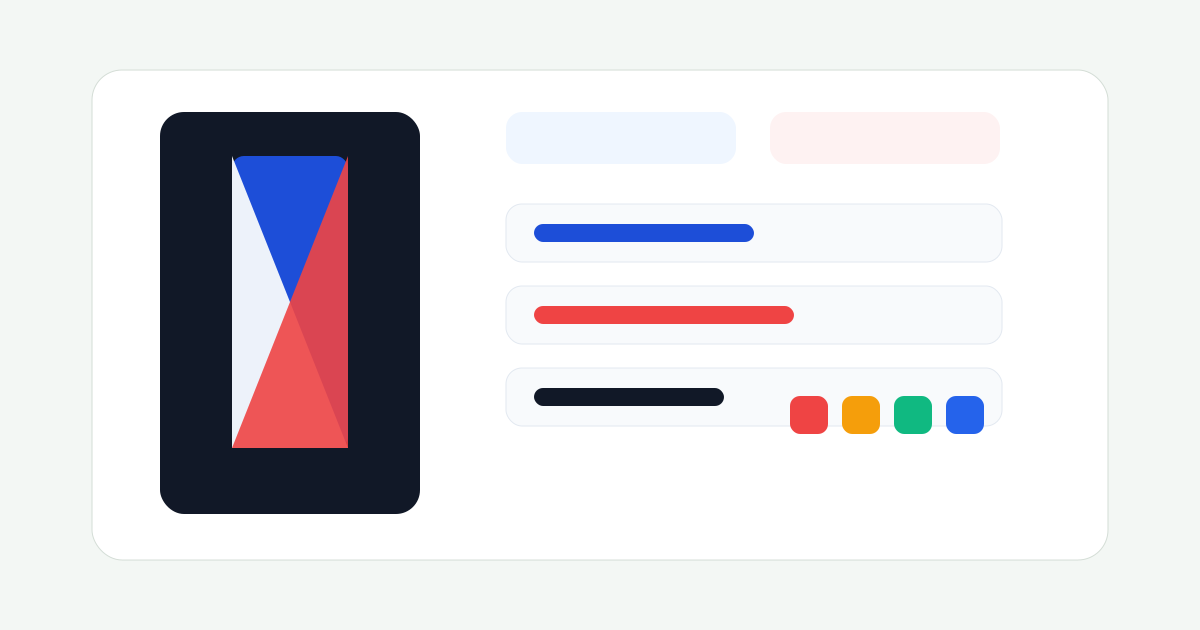
I have added all the rare patterns too, like the Creeper Charge, Thing, Flow, and Guster patterns from the newer updates. These special patterns can be combined with standard ones to create some truly unique "Faction Flags". If you are running a server or a clan, having a distinct, professional looking banner is the ultimate way to mark your territory. I’ve seen some guys on Discord sharing designs that look like real life family crests, and almost all of them were planned out using a web tool first. Don't be the guy with a generic red cross on a white background. Use the tool, find something unique, and make your enemies jealous when they see your flag flying over their raided base.
Shield Customization and Visual Clarity
One common question I see is whether these designs work on shields. The answer is yes, but there is a catch. When you apply a banner to a shield, the game compresses the design significantly. Fine details like the thin "Bordered" pattern or small dots often disappear or look pixelated. When I am designing a shield for PVP, I always go for high contrast and bold shapes. A bright white pattern on a dark blue background will stand out much better across a battlefield than a subtle gradient. I’ve integrated a preview feature in the tool so you can see exactly how your banner looks on both the standing pole and the shield model. This saves you from the disappointment of crafting a complex design only to find out it looks like a gray blob when you are actually holding it. If you want to go beyond standard banners, you can even check out my Texture Maker to design your own custom item skins from scratch. Go ahead, play around with the patterns, and find that perfect look for your group!
More Guides
Minecraft Effect Lab: Mastering Invisible Potions and Particles
Stop letting messy circles ruin your cinematic builds with my custom effect gene...
Minecraft 26.1 Tiny Takeover: New Features and Command Guide
Master the Golden Dandelion and everything new in the Tiny Takeover update with ...
Minecraft Enchant Guide: The Best Way to Max Your Gear
Avoid the "Too Expensive!" nightmare with my Mathematical Enchanting Lab for 1.2...
Minecraft World Navigation: Mastering Seeds and Portal Coordinates
Never get lost again with my guide to world seeds, structure finding, and Nether...